
Google AdSense Complete Guide (2026): How Earnings Work, What to Expect, Applying, and First Optimizations
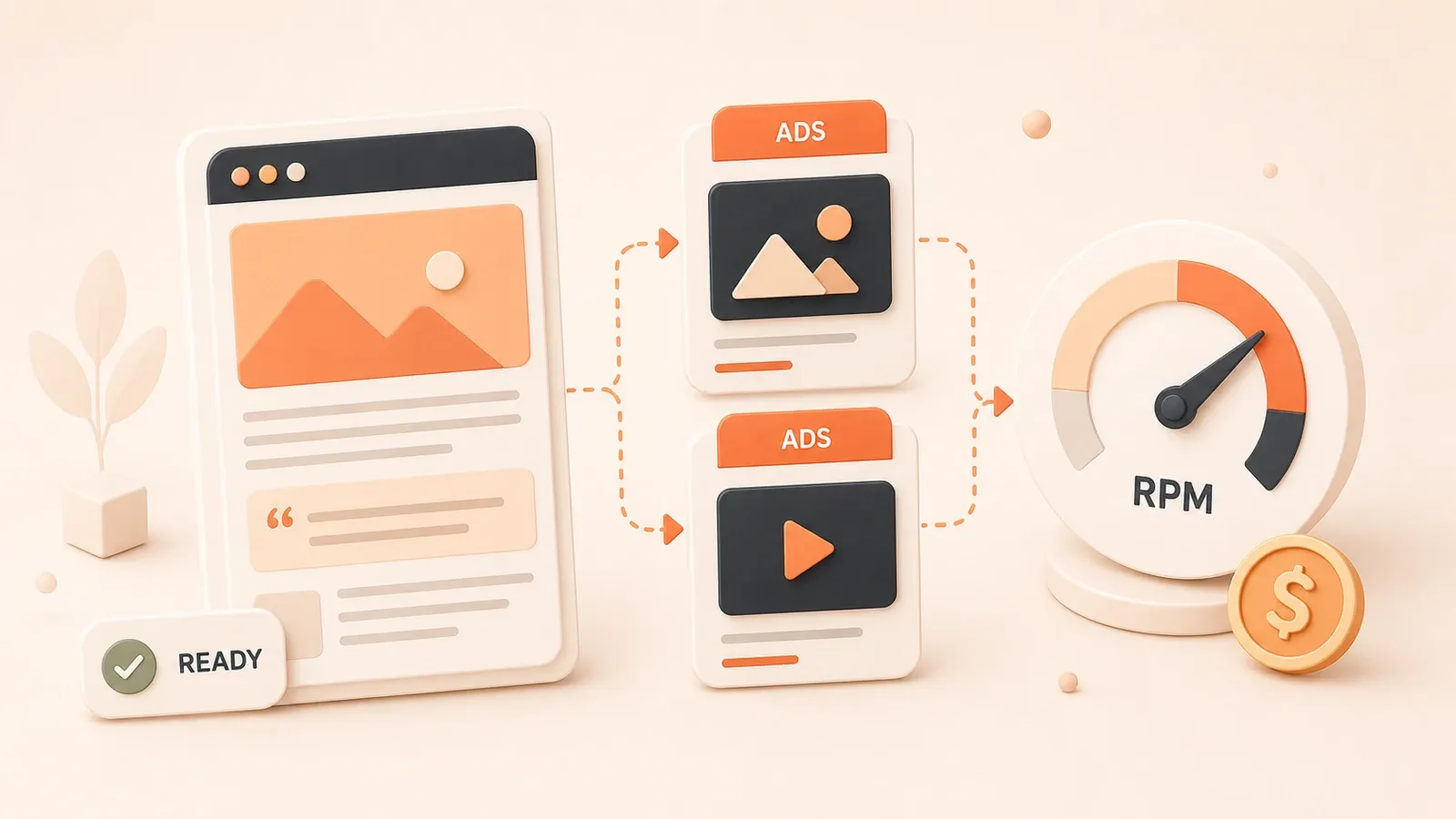
Phone buzz—AdSense notification: account earnings reached $100. An article from three months ago still earns; passive income feels real.
Contrast: a tech blogger expected thousands per month after approval and saw $27 in three months—ads at the page bottom, ignored optimization tips.
This merges duplicate beginner/overview material into one path: how money is calculated, realistic expectations, application checklist, and 2026 baseline optimization. Rejection letters and reapply timing live in the dedicated approval article in the series.
1) What AdSense is and where revenue comes from
The basic model
Advertisers bid through Google; Google matches ads to pages; you earn from qualified impressions and clicks. For solo publishers it is often the first scalable monetization channel—large demand, clear rules, payout thresholds near $100 in many regions.
CPC, CPM, RPM
CPC — pay per click. Useful to understand, but CTR is often modest; do not bet everything on clicks.

CPM — earnings per thousand impressions. In recent years shown ads matter more; readers do not have to click for you to earn.
RPM — revenue per thousand page views (or impressions, depending on the report). This is the headline number for comparing articles, templates, and weeks.
Niche and geography
Finance, insurance, legal, B2B, and some software topics usually pay more; broad lifestyle or entertainment often pays less. Write what you can sustain. US/EU traffic often monetizes better than some emerging markets—one reason people launch English properties.
2) Realistic earnings
Orders of magnitude
- ~100 visits/day: often about $3–30/month, higher if the audience is premium and US/EU-heavy.
- ~1,000 visits/day: often about $30–300/month, still sensitive to RPM and placements.
- ~10,000 visits/day: professional sites may reach hundreds to low thousands of dollars/month with the right niche.
What moves the needle
- Traffic scale and quality (time on page, organic share).
- Country/language of the audience.
- Vertical and advertiser bids.
- Honest ad layout and policy compliance.
The patience curve
Months 0–3 are usually about content and distribution. Months 3–6 add stability; beyond six months, steady publishing and measurement pay off. AdSense rewards compounding, not launch-week jackpots.
3) Applying: skeleton here, depth in part 2
Checklist aligned with the approval guide
- Top-level domain you control; site serves over HTTPS.
- Content depth: roughly 8–15 posts in a coherent vertical, about 800–1500 words each, with real structure (intro, body, takeaway).
- Required pages: About, Contact, Privacy (update templates to match your data/ads/cookies practices).
- Can you place the review code in
<head>or the platform equivalent? - UX: navigation works on mobile, fix broken links, avoid aggressive interstitials during review.
Start at https://www.google.com/adsense/start/, sign in with your Google account, and follow the site + payments flow.

Why rejections are not duplicated here
Google’s emails use a few buckets, but the action list is site-specific. The dedicated article tracks Search Console, sampling pages, and how long to wait before re-applying—that belongs in one maintained place.
→ Full checklist, rejection “translation,” technical gates, and re-application timing:
Google AdSense application & approval playbook (2026)
4) After approval: 2026-era basics
Product and policy direction
Google keeps leaning on automation for delivery and layout; regulators and quality guidelines still push clear labeling, reasonable ad density, and good UX. Treat on-screen help text as the source of truth for your account.
Start with Auto ads
Turn on Auto ads, pick a conservative-to-medium inventory level, and let it run at least two weeks before big changes.
Manual units (when you are ready)
Common high-performing areas: after the opening section, around mid-article, and before the conclusion. Use responsive formats on mobile. Run Experiments in the dashboard instead of guessing.
Five durable habits
- Grow search traffic when you can.
- Stay inside a vertical you can ship consistently.
- Publish complete posts—reduce accidental bounces.
- Consider English only if you can afford the cost of quality.
- Keep density sane; bad UX hurts return visits and policy posture.
5) Compliance (short list)
- Never click your own ads or coordinate clicks.
- Do not buy fraudulent traffic.
- No “click the ads to support us,” arrows, or fake buttons.
- Use compliant labels (“Ads,” “Sponsored,” etc.).
For appeals, invalid traffic, and policy deep dives, use the series articles on bans, compliance, and invalid traffic.
6) Payouts and tax (must-know)
- Threshold: many regions pay out after about $100 accrued.
- PIN / address: follow whatever identity or mail steps your account requests.
- Tax forms: submit what the console asks for to avoid default withholding.
Dedicated posts in this series cover payment rails and tax paperwork in more detail.
7) Closing
AdSense is a straightforward first monetization layer for sites that already earn attention. Use this article for mechanics and expectations; use part 2 when you need approval detail; after you are live, iterate with Auto ads → data → experiments, always content first.
Google AdSense basics: from mechanics to submitting your site
High-level registration and site prep; detailed approval guidance lives in the series approval guide.
⏱️ Estimated time: 45 min
- 1
Step 1: Understand RPM and set expectations
Learn how CPM and CPC combine into RPM for your property. Anchor expectations to traffic, country, and niche—not viral screenshots. - 2
Step 2: Ship the hard requirements
HTTPS, About/Contact/Privacy, 8-15 strong posts in one vertical, working navigation on mobile, and a place to paste the AdSense snippet. - 3
Step 3: Submit the application
Complete payments info, add the site, place verification code as instructed, and wait for review while making small, steady content updates. - 4
Step 4: Use the approval guide if rejected or unsure
For mapping denial reasons to pages, Search Console checks, and how long to wait before re-applying, read the series article Google AdSense application & approval playbook (2026). - 5
Step 5: Launch with Auto ads, then measure
Enable Auto ads, collect at least two weeks of data, then test manual placements or experiments.
FAQ
How does Google AdSense pay publishers?
What should my site have before I apply?
My application was rejected—what now?
How much can a personal blog earn?
Where should I place ads?
4 min read · Published on: Jan 8, 2026 · Modified on: Jul 14, 2026

Google AdSense Complete Guide
You are reading the opening post of this series. Continue to the next post or open the full series hub to scan the whole path.
Previous
You are at the beginning of this series.
Next
Google AdSense Application & Review: A Complete Checklist to Get Approved (2026)
Consolidated approval guide: what rejection emails really mean, domain and technical requirements, content quantity vs quality, Search Console, and when to reapply—without triggering long cooldowns.
Part 2 of 20


Comments
Sign in with GitHub to leave a comment