I Rebuilt My Blog with Astro 5: Lighthouse Score Jumped from 68 to 100

Last week I did something—completely rebuilt my two-year-old Next.js blog from scratch, switching to Astro 5.
Looking back, it was pretty impulsive. The trigger was running a Lighthouse audit and seeing that glaring 68 score. My blog was so slow that when a friend said they wanted to read one of my articles, I sent the link and they said “it took forever to load.” Instant embarrassment.
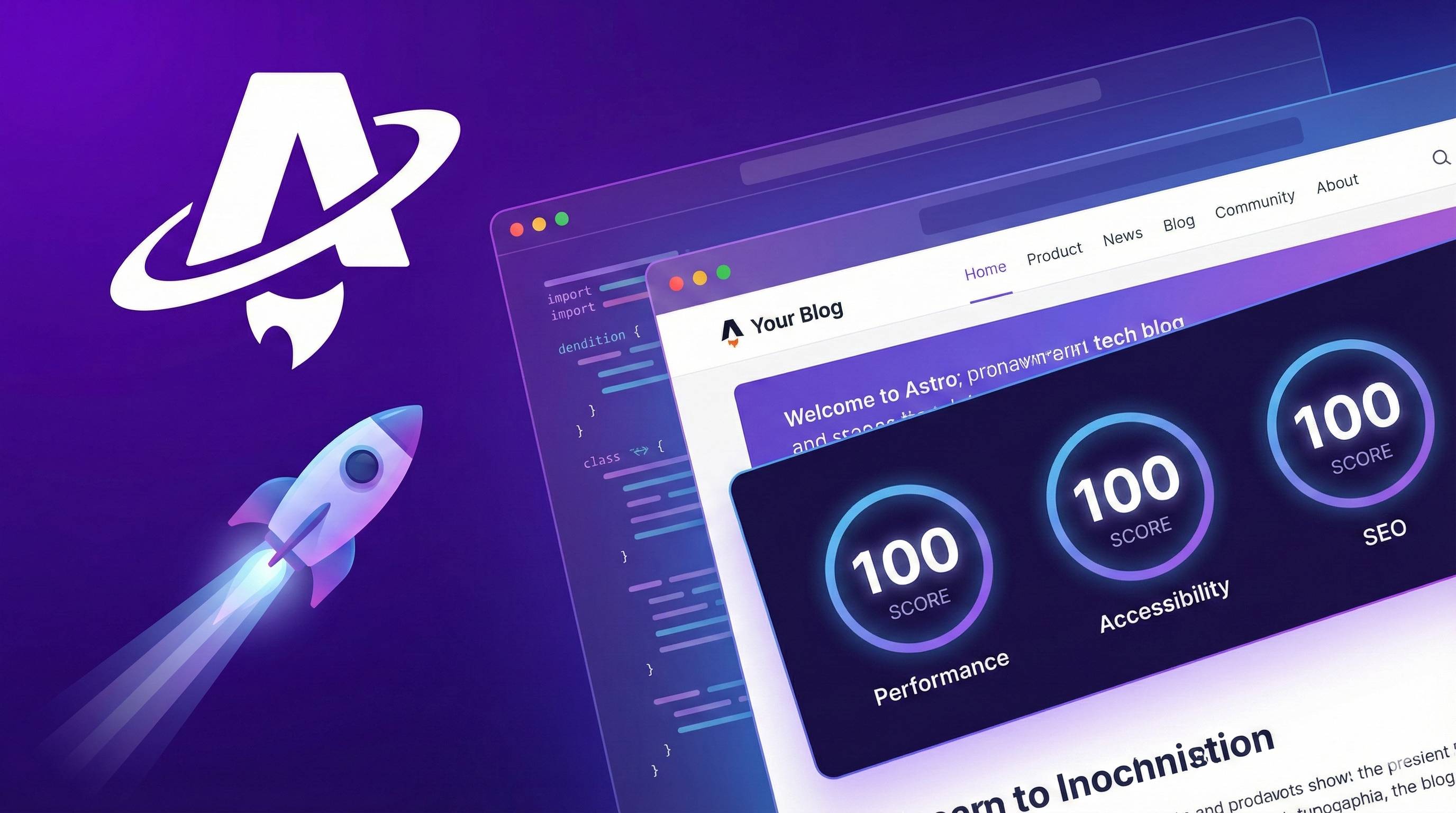
After the migration, build time dropped from 2 minutes to 18 seconds, performance score jumped from 68 to 98. Even I didn’t expect these results.
This article covers three things: why Astro is so fast, how to build a blog with it, and how to configure SEO. If you’ve also been tormented by blog performance, read on—this should help.
Why Astro Deserves Your Attention
Honestly, I wasn’t that interested in Astro at first. There are too many frameworks out there—Next.js, Nuxt, Gatsby—the choices are overwhelming. My initial thought was: “Another new thing to learn, is the time investment really worth it?”
Until I saw some data—
State of JavaScript 2024 survey shows Astro ranked first in interest, retention, and satisfaction. Usage ranked second, only after Next.js. GitHub Octoverse 2025 is even more impressive, calling Astro the third-fastest-growing language.
Here’s an interesting stat: 60% of Astro sites pass Core Web Vitals assessment, while WordPress and Gatsby only hit 38%. That’s a significant gap.
Looking at who’s using Astro: GitHub’s docs site, Firebase developer docs, Smashing Magazine (migrated from WordPress). In 2025, Google, Reuters, and Typst started using it too.
That’s when I seriously thought: what is my blog? Just a bunch of Markdown articles, some code highlighting, maybe a comment component. Do I need Next.js’s complex full-stack capabilities? Probably not.
So my understanding is: If you’re mainly writing blogs, building doc sites, or creating marketing pages, Astro is nearly the optimal solution. But if you’re building e-commerce or SaaS with complex interactions, Next.js is still more suitable.
It’s not about which is better—it’s about different scenarios.
Island Architecture—Astro’s Speed Secret
Ever encountered this: page content loaded ages ago, but clicking buttons does nothing?
This is usually JavaScript hydration causing trouble. Traditional frameworks dump all page JS on the browser, then make it slowly “activate.” More complex the page, longer the wait.
Astro’s approach is completely different. It uses something called Islands Architecture.
How to understand this? Imagine your page is an ocean of static HTML, and only components that truly need interaction—like counters, forms, comment sections—“float to the surface” as independent little islands. Each island manages its own JavaScript, no interference.
In code it looks like this:
---
// This component only loads JS when scrolled into view
---
<Counter client:visible />

// This component is always pure static HTML, never loads JS
<Header />
See that client:visible? It’s an Astro directive telling it “only activate this component when users see it.” There are also options like client:load (activate on page load) and client:idle (activate when browser is idle).
Real-world impact? My blog’s First Contentful Paint (FCP) dropped from 2.1s to 0.8s, Time to Interactive (TTI) from 4.5s to 1.2s. Bundle size? Originally 280KB of JS, now only 45KB.
Fair point here: if your page is all interactive components, Astro might not be the best choice. Its advantage is exactly in “most content is static” scenarios. But for blogs and docs, it’s a game-changer.
Server Islands—Astro 5’s New Toy
Astro 5 also added a feature called Server Islands, quite interesting.
There used to be a problem: if most of your page is static but has one small part needing dynamic content (like user avatar, cart count), what do you do? Either render the whole page dynamically or give up personalization.
Server Islands’ approach: first give users a static HTML shell, then have the server inject the dynamic parts separately.
Official saying is “performance and personalization are no longer mutually exclusive.” I tried it and it’s indeed smooth.
Content Layer—New Way to Manage Content
When your blog exceeds 100 articles, one problem becomes increasingly obvious: content management gets messy.
Traditional approach is piling Markdown files in src/content directory, organizing via file system. Works when you have few articles, but becomes headache-inducing when you have many—finding files is tedious, connecting a CMS is inconvenient.
Astro 5’s Content Layer completely changes this situation.
Its core is a mechanism called Loader. You can load content from anywhere: local Markdown, Strapi, Contentful, Notion, even your own API. Data sources unified, management becomes clean.
// astro.config.mjs
import { defineCollection, z } from 'astro:content';

const blog = defineCollection({
  loader: glob({ pattern: "**/*.md", base: "./src/content/blog" }),
  schema: z.object({
    title: z.string(),
    pubDate: z.date(),
    tags: z.array(z.string()),
  }),
});
This config means: load all Markdown files from ./src/content/blog directory, each article must have title, pubDate, tags fields.
For performance improvements, officially says Markdown build speed can be up to 5x faster, MDX 2x faster, memory usage reduced 25-50%. My blog’s build time dropping from 2 minutes to 18 seconds is probably thanks to this.
I’m currently using glob loader for local Markdown. Planning to try connecting Notion later to separate writing from publishing.
View Transitions—Smooth Page Switching
This part is relatively simple, quick overview.
Astro 5 renamed the original ViewTransitions component to ClientRouter, same functionality, just a more accurate name reflecting what it does—client-side routing.
---
import { ClientRouter } from 'astro:transitions';
---
<html>
  <head>
    <ClientRouter />
  </head>
  <body>
    <!-- Your content -->
  </body>
</html>
Adding this component makes page transitions animated instead of jarring jumps. User experience improvement is quite noticeable.
In 2025, the native View Transitions API is supported by almost all modern browsers, Firefox being the last one. ClientRouter automatically provides fallback for unsupported browsers.
If your pages need to share state across pages (like music player continuing through navigation), use ClientRouter for sure. If you just want simple transition animations, native CSS View Transitions are sufficient.
SEO Optimization Practical Configuration
This part is the heavy hitter. Many think Astro’s good performance is enough, but SEO configuration is equally important. Search engines don’t just look at speed—they also check if your page structure is clear and metadata accurate.
I stepped on quite a few landmines the first time configuring SEO. Let me share the right approach.
Sitemap Configuration
Start with sitemap, most basic and easily forgotten.
npx astro add sitemapThen add your site URL in astro.config.mjs:
import { defineConfig } from 'astro/config';
import sitemap from '@astrojs/sitemap';

export default defineConfig({
  site: 'https://yourdomain.com', // Don't forget this line!
  integrations: [sitemap()],
});
First time I forgot to configure site, resulting sitemap generated with all relative paths—Google didn’t recognize it at all. Took days to discover this pitfall.
Meta Tag Management
Each article should have unique title and description. My approach is managing uniformly in Markdown frontmatter:
---
title: "Astro 5 Performance Optimization Guide"
description: "Deep dive into Astro 5's Island Architecture and Content Layer..."
publishDate: 2025-11-20
ogImage: "/images/astro-5-cover.png"
---
Then read this data in layout component:
---
const { title, description, ogImage } = Astro.props.frontmatter;
---
<head>
  <title>{title}</title>
  <meta name="description" content={description} />
  <meta property="og:title" content={title} />
  <meta property="og:description" content={description} />
  <meta property="og:image" content={ogImage} />
  <link rel="canonical" href={Astro.url} />
</head>
Canonical URL is important—prevents search engines from treating same content as duplicate pages.
Structured Data (JSON-LD)
Many don’t know this, but it helps SEO significantly. Structured data tells search engines “this is an article,” “who’s the author,” “when was it published.”
<script type="application/ld+json">
  {JSON.stringify({
    "@context": "https://schema.org",
    "@type": "BlogPosting",
    "headline": title,
    "datePublished": publishDate,
    "author": {
      "@type": "Person",
      "name": "Your Name"
    }
  })}
</script>
You can use Schema.org Validator to check your structured data for issues.
2025 SEO Trends
Adding a few important changes this year:
- LLMs are also crawling your pages. Search engines and AI both rely on structured content—write clearly rather than keyword-stuffing.
- Internal links are important. Each page should have at least 3 internal links, or search engines might think it’s not worth indexing.
- E-E-A-T principles. Experience, Expertise, Authority, Trustworthiness—not mysticism, real Google ranking factors.
SEO Checklist
Finally, here’s a checklist to verify after configuration:
- sitemap.xml generated and accessible
- Each page has unique title and description
- All images have alt attributes
- Added JSON-LD structured data
- robots.txt configured correctly
- Each page has at least 3 internal links
Image Optimization—The Underestimated Performance Killer
Image optimization sounds simple, but there’s a pitfall: many think compressing is enough—it’s far from it.
Astro has built-in astro:assets module, with a very powerful Image component:
---
import { Image } from 'astro:assets';
import myImage from '../assets/hero.png';
---
<Image
  src={myImage}
  alt="Hero image"
  widths={[400, 800, 1200]}
  format="webp"
/>
This code does several things:
- Auto-infers image dimensions, avoiding layout shift (CLS)
- Generates multiple size variants, browser loads as needed
- Converts to WebP format, smaller size
Key point: put images in src directory, not public. Images in src get optimized by Astro, those in public don’t. I made this mistake before—image sizes were ridiculously large.
Another trick: remote images can use inferSize to auto-get dimensions:
<Image
  src="https://example.com/image.jpg"
  alt="Remote image"
  inferSize
/>
How effective? An open-source project called AstroEdge tested: images compressed from 4.2MB to 0.8MB, 82% reduction. Performance score jumped from 79 straight to 100.
Astro 5 also added experimental image cropping and SVG component support—check official docs if interested.
Migration Notes from Other Frameworks
If you’re migrating from Astro 4 or other frameworks, quick look at this section.
Astro 5 Main Changes:
ViewTransitionsrenamed toClientRouterAstro.glob()deprecated, useimport.meta.glob()orgetCollection()instead- Hybrid rendering mode merged into static output
- Image service switched from Squoosh to Sharp
- CSRF protection enabled by default
Migration command is simple:
npx @astrojs/upgradeThis command automatically handles most compatibility issues. Where manual changes are needed, it gives hints.
If migrating from Next.js or Gatsby, workload is bigger. But good news is Astro supports React components—you can migrate pages first, then slowly replace components.
Final Thoughts
After all this, core points are these:
- Island Architecture makes pages zero JavaScript by default, naturally leading in performance
- Content Layer unifies content management, supporting any data source
- SEO configuration actually just takes a few steps, but each is crucial
- Image optimization is the hidden performance killer, don’t ignore it
- View Transitions make page switching smoother
If you’re deliberating which framework to use for your blog, my suggestion: spend half an hour running Astro’s official template, experience that build speed and Lighthouse score.
npm create astro@latest -- --template blogThis template works out of the box—adjust config and publish.
Some useful resources:
- Astro Official Docs (English, but most complete)
- Astro Chinese Site (Chinese translation)
Next article I’m planning to write about building a tech blog with Astro + Tailwind + MDX practical tutorial—follow if interested.
What framework does your blog use? Have you been troubled by performance issues? Let’s chat in the comments.
Published on: Nov 24, 2025 · Modified on: Dec 4, 2025

Related Posts

Complete Guide to Deploying Astro on Cloudflare: SSR Configuration + 3x Speed Boost for China
Building an Astro Blog from Scratch: Complete Guide from Homepage to Deployment in 1 Hour