
From Copilot to Antigravity: Mastering the Agent-First Development Paradigm
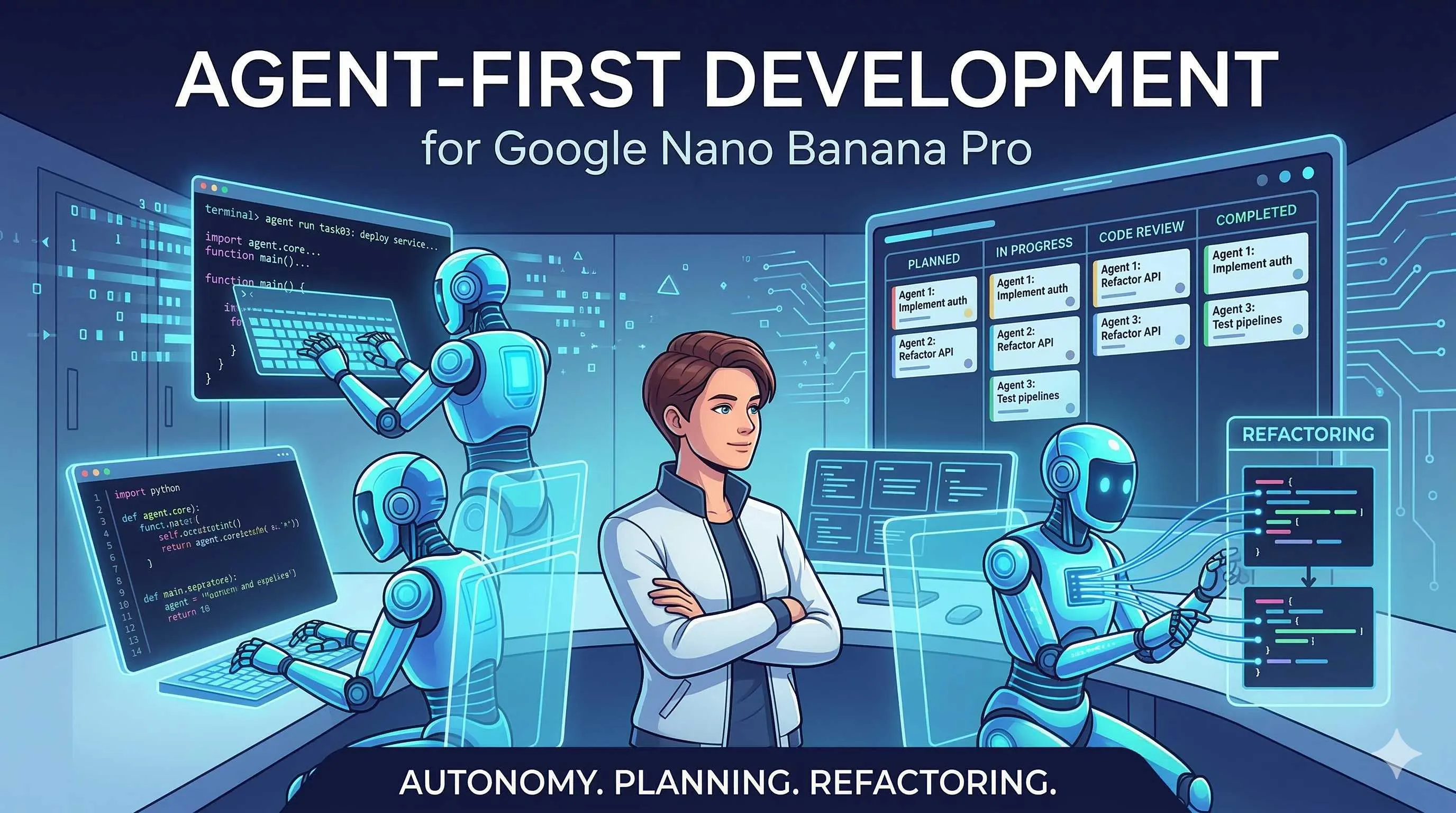
It’s 4:50 PM on a Friday. I’m staring at a nasty authentication refactoring task on my screen, and the product manager’s avatar has already flashed three times on Slack.
“This needs to go live by Monday.”
I sigh. The old way means reading through all the existing code, understanding the dependencies, then changing everything line by line. GitHub Copilot has definitely helped—it auto-completes those JWT validation logic blocks when I type def authenticate_user. But this is different. It’s a complete authentication flow refactor across five files, and I need to maintain backward compatibility.
Honestly, I was feeling pretty desperate at that moment.
Then I remembered that new tool I installed two weeks ago. I opened Antigravity, typed one sentence in the Manager View: “Refactor authentication flow, extract JWT logic to a separate module, keep existing APIs unchanged.” Then I clicked “Dispatch Agent.”
Ten minutes later, I was writing unit tests for another feature. The Agent had finished. The Artifacts panel showed an implementation plan, diffs for five files, and a dependency graph. I reviewed everything—it was mostly good. Made two small tweaks, committed, pushed. At 5:15 PM, I shut down my computer.
That’s what I want to talk about: the Agent-First development paradigm. Not the Copilot-style “you write a line, I complete a line” assistance, but a whole new way of working where “you define the task, AI executes autonomously.”
From “Completion Mindset” to “Delegation Mindset”
Let’s start with the core change in this paradigm.
When using Copilot, here’s how we work: think about the next line of code, type a few characters, Copilot pops up a gray suggestion, hit Tab to accept, continue. It’s like an invisible co-pilot always by your side, but you’re in the driver’s seat.
This pattern has a hidden cost: your attention gets fragmented. Write two lines, check the suggestion, think if it’s right, accept or reject, continue. For simple tasks, this is fine. But when you face a complex task spanning multiple files and lasting tens of minutes or even hours, this fragmented interaction becomes exhausting.
Antigravity takes a completely different approach. It introduces a concept called Task-level Abstraction—describing the outcome you want in natural language, rather than guiding the AI step by step.
Here’s an example. Same refactoring task:
- Copilot mode: You open each file, tell Copilot “extract this function,” “rename this variable,” “move this logic to a new file”… You’re constantly operating at the micro level.
- Antigravity mode: You say “refactor authentication flow, extract JWT logic, keep APIs unchanged,” and the Agent analyzes the code, makes a plan, executes the refactor, and generates tests—all by itself.
In other words, you’re not writing code, you’re delegating tasks.
This shift sounds simple, but it’s radical. It changes the developer’s role: from “code writer” to “task architect” and “result validator.” You don’t need (and shouldn’t) watch line by line how the code is written. You just need to confirm whether the result meets expectations.
Yeah, I know what you’re thinking: “Let AI write code by itself? Who’s responsible if something goes wrong?”
That’s exactly what the Artifacts panel is designed to solve.
Artifacts: Turning the “Black Box” Transparent
Honestly, when I first used Antigravity, I was pretty nervous.
Watching the Agent run on its own, logs scrolling in the terminal, but I didn’t know exactly what it was doing. Five minutes later, it said “task completed,” and looking at those hundreds of lines of new code, my first reaction wasn’t excitement—it was panic.
“Is this code reliable?”
The folks at Google clearly recognized this problem. The Artifacts panel is one of Antigravity’s most valuable designs.

When an Agent completes a task, it doesn’t just give you the final code. The Artifacts panel contains:
- Task Plan: How the Agent broke down the task, what each step involved
- Execution Logs: Record of every operation the Agent made, which files were changed and why
- Screenshots/Recordings: If UI changes were involved, there are browser screenshots or recordings
- Dependency Analysis: A graph showing relationships between changed files
These things solve two core problems:
First, auditability. You can trace back every decision the Agent made. If there’s a problem with the code, you can see which step went wrong, instead of facing a blob of “mysterious AI-generated code” with no clue what to do.
Second, trust building. When you start, you might carefully check every Artifact. But over time, you’ll find the Agent has high success rates on certain tasks, and gradually you’ll feel comfortable letting it do more.
It’s like training a new colleague. At first you check everything, then you notice their work is consistently good quality, so you give them bigger tasks. Same with Agents—Artifacts are the bridge for building trust with them.
Synchronous vs Asynchronous: Why Parallel is a Killer Feature
Copilot and Cursor are both synchronous. You ask, it answers. You wait for it to finish generating before you can continue.
Antigravity’s Manager View introduces asynchronous and parallel capabilities.
What does this mean? You can dispatch multiple Agents to handle different tasks simultaneously. They run in the background independently, without interfering with each other. You can continue writing your code, and the Agent notifies you when it’s done.
According to Codecademy’s tests, Antigravity allows developers to dispatch up to five Agents working on five different tasks simultaneously. This is unimaginable in traditional workflows.
Imagine these scenarios:
- You’re writing a new feature while dispatching one Agent to fix yesterday’s bug and another to update documentation
- Before leaving on Friday, you dispatch three Agents to handle three tech debts each, checking the results Monday morning
- You’re debugging while having an Agent search for solutions to related problems
This parallel capability fundamentally breaks through the single-threaded limitation of human attention. You no longer need to wait endlessly on one task; you can schedule AI Agents like you schedule system resources.
Oh, and this also brings new complexity: you need to learn to manage multiple Agent states and handle conflicts between them (like two Agents modifying the same file). But Antigravity has built-in conflict detection mechanisms that warn you before you commit.
Hands-On: How to Configure and Validate Your First Agent
Alright, after all that, you probably want to give it a try.
Antigravity is currently free for individual developers (public preview). After installation, you’ll see two views: Editor View and Manager View.
Editor View is like the VS Code you’re familiar with—code completion, syntax highlighting, sidebar chat. If you just want a light taste, you can use the Agent Sidebar here for some simple tasks.

But the real power is in Manager View. Click to switch, and you’ll see an interface like a “mission control center.”
Step 1: Create an Agent
Click “New Agent,” give it a name (like “Refactor Agent”), choose a model (Gemini 3 Pro, Claude Sonnet, or GPT-OSS), and set some constraints (like “don’t modify test files,” “maintain backward compatibility”).
Step 2: Dispatch the Task
Describe your requirements in natural language in the task box. The key is to be specific and verifiable.
❌ Bad task description: “Optimize this module”
✅ Good task description: “Extract JWT validation logic from utils/auth.py to a separate jwt_handler.py file, update all import statements, keep existing API signatures unchanged”
Step 3: Monitor Progress
Once the Agent starts running, you can see its status in Manager View. If the task is long, you can switch back to Editor View and continue other work.
Step 4: Validate Results
When the task completes, first check the “Task Plan” in the Artifacts panel to confirm the Agent understood what you wanted. Then review the code diff to check the scope of changes. Finally, run tests to ensure nothing broke.
A small tip: When starting out, choose some low-risk tasks for practice—like code formatting, variable renaming, documentation updates. Once you get a feel for the Agent’s capability boundaries, try more complex refactoring.
Speaking of capability boundaries, to be objective, Antigravity isn’t a magic bullet either.
Reality Check: Antigravity’s Limitations
According to ITECS’s enterprise-level assessment, Antigravity leads in autonomous agent architecture and audit artifact generation, but there are some barriers to enterprise adoption in production environments.
Main limitations include:

Security Concerns: Having AI autonomously modify code carries potential risks in enterprise environments. Although Artifacts provide audit capabilities, some highly sensitive projects may still not be suitable for full delegation.
Integration Ecosystem: Compared to the maturity of the VS Code + Copilot ecosystem, Antigravity has fewer plugins and third-party integrations. If you rely on specific workflow tools, you may need to weigh this.
Learning Curve: Shifting from “completion mindset” to “delegation mindset” takes time. Many developers initially feel a sense of “loss of control”—this is normal.
Also, this paradigm isn’t for everyone. If you enjoy the process of writing code, like having hands-on control of every line, then Copilot or Cursor might suit you better. Antigravity is designed for developers who “want to free themselves from repetitive labor to focus on architecture and strategy.”
Conclusion
After all this, the core point is simple: Agent-First doesn’t replace developers—it upgrades them.
From Copilot’s “AI assists me in coding” to Antigravity’s “I guide AI in coding,” this isn’t just a tool change—it’s a mindset shift. Your value no longer lies in how fast you can type code, but in your ability to define problems, design architecture, and validate results.
Honestly, this transition won’t happen overnight. I’m still adapting myself. But when I see an Agent complete in ten minutes what would have taken me two hours of refactoring, I know this is the right direction.
If you want to try it, I suggest starting with a small task. Download Antigravity (free for individuals), pick a module you’ve been wanting to refactor but haven’t had time for, dispatch an Agent, and see what happens.
The first result might not be perfect. That’s fine—tweak the prompt, adjust the constraints, try again.
Gradually, you’ll find yourself spending less time on repetitive labor and more time on decisions that truly matter.
And that’s what AI coding tools should bring us.
FAQ
What's the fundamental difference between Agent-First and Copilot/Cursor?
• Copilot/Cursor is synchronous assistance: you write a line, AI completes a line, requiring continuous interaction and immediate feedback
• Agent-First is asynchronous delegation: you describe the task goal, AI plans and executes autonomously while you do other things
Simply put, Copilot is a "co-pilot" giving hints beside you; Agent-First is a "chauffeur" driving for you. The former suits daily coding, the latter complex refactoring and cross-file changes.
What exactly does Antigravity's Artifacts panel do?
• Task Plan: How the Agent breaks down the task and what each step does
• Execution Logs: Detailed operation records, which files were changed and why
• Screenshots/Recordings: Visual evidence of UI changes
• Dependency Analysis: Relationship graphs between changed files
These make AI behavior auditable and traceable, helping developers build trust with Agents.
What types of tasks are best suited for Antigravity's Agent mode?
• Complex refactoring: structural adjustments across multiple files, module extraction
• Tech debt cleanup: batch dependency updates, code formatting, variable renaming
• Parallel tasks: handling multiple independent tasks simultaneously, like fixing bugs + updating docs + writing tests
• Exploratory tasks: having Agents research a technical solution and generate comparison reports
Less suitable scenarios: highly creative architecture design, core code involving sensitive security logic, business logic requiring deep domain knowledge.
What enterprise security considerations are there for using Antigravity?
• Code security: AI autonomously modifying production code carries risks; suggest piloting with non-core modules first
• Audit requirements: while Artifacts provide operation logs, enterprises may need additional compliance review processes
• Data privacy: code is sent to Google's servers for processing; sensitive projects need data residency risk assessment
• Access control: recommend pairing with CI/CD workflows where Agent changes also require code review before merging
Currently Antigravity is better suited for individual developers and small teams experimenting; large-scale enterprise adoption needs further evaluation.
How do I write an effective Agent task description?
❌ Bad example: "Optimize the login feature"
✅ Good example: "Refactor auth module: 1) Extract JWT validation logic to separate file 2) Keep existing API signatures unchanged 3) Don't modify test files 4) Generate unit tests covering new logic"
Key elements:
• Clear goal: specifically what to do
• Constraints: what not to touch, what must be preserved
• Acceptance criteria: how to determine completion
• Context: relevant file paths, tech stack
9 min read · Published on: Feb 27, 2026 · Modified on: Mar 18, 2026

Related Posts
AI Keeps Writing Wrong Code? Master These 5 Prompt Techniques to Boost Efficiency by 50%

AI Keeps Writing Wrong Code? Master These 5 Prompt Techniques to Boost Efficiency by 50%
Cursor Advanced Tips: 10 Practical Methods to Double Development Efficiency (2026 Edition)

Cursor Advanced Tips: 10 Practical Methods to Double Development Efficiency (2026 Edition)
Complete Guide to Fixing Bugs with Cursor: An Efficient Workflow from Error Analysis to Solution Verification

Comments
Sign in with GitHub to leave a comment